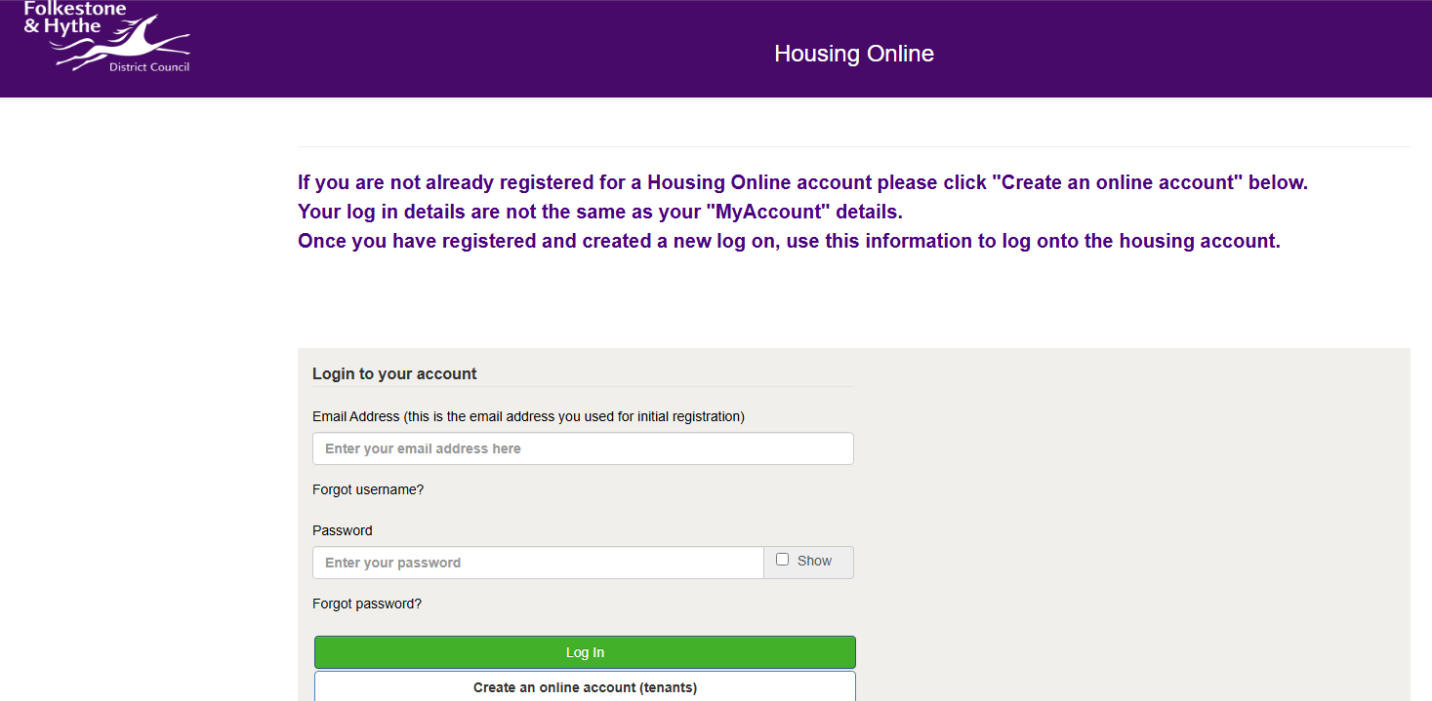
Register for Housing Online portal
The first time you register for the Housing Online portal, you will need to create a MyAccount if you don’t already have one. Once logged into your MyAccount, you will be able to create a Housing Online account, by clicking on the 'Council tenants’ button. To register you will need to enter your email address, date of birth, rent reference number and create a password. You will then receive a verification email, which will only need to be actioned when you first register for an account.
Step 1
Create or log in to a MyAccount

Step 2
Once logged into your MyAccount, click on 'Council tenants'.

Step 3
Register for a Housing Online account by clicking the 'Create an online account (tenants)' button. You will need your date of birth and rent reference number in order to create an account

Enter your email address and a password.
Step 4
You will now receive a registration email, check your email and click on the link to activate before it expires within 1 hour. The link will take you to a form to complete your registration.