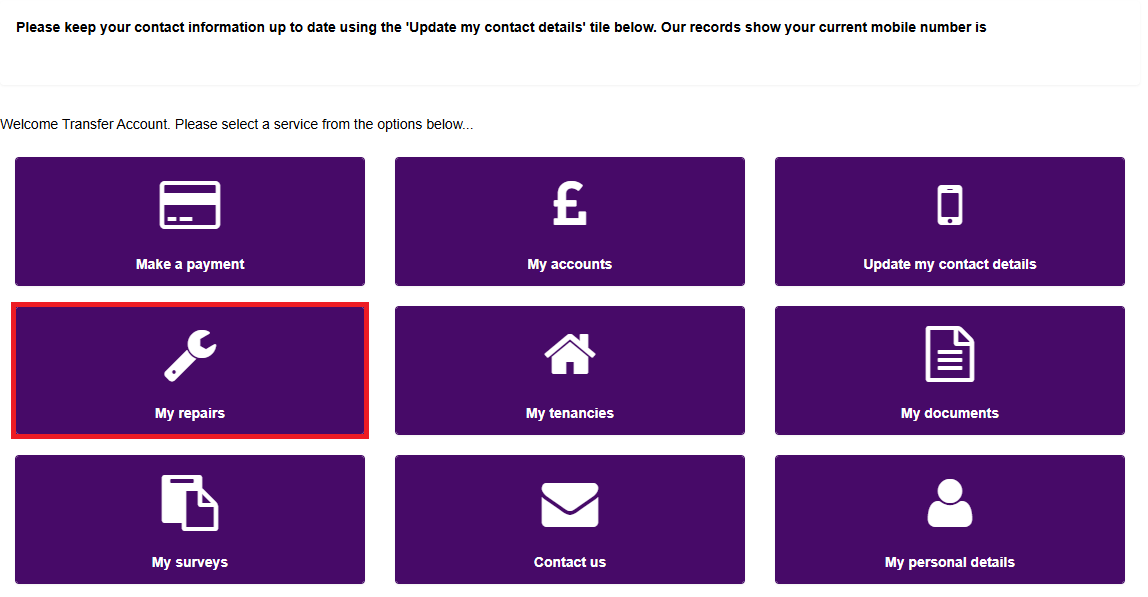
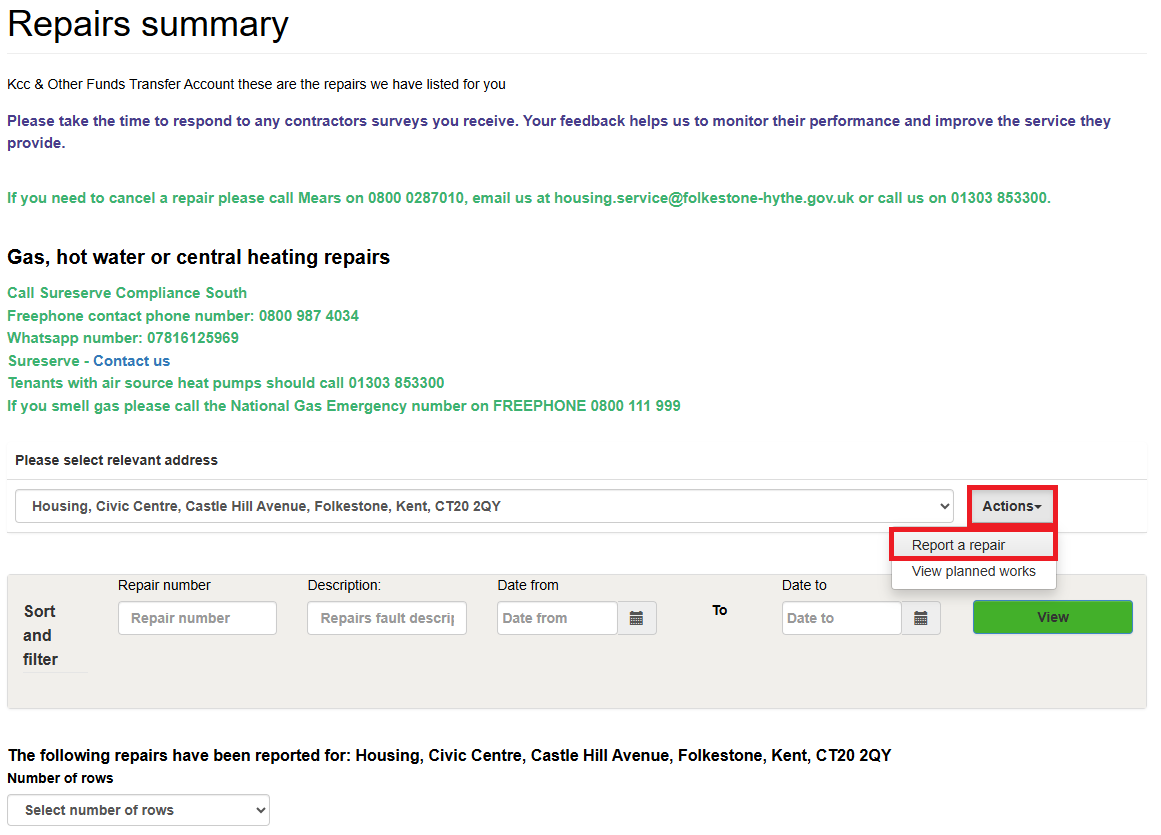
Click on the 'Actions' button, highlighted below, next to your address to report a repair:
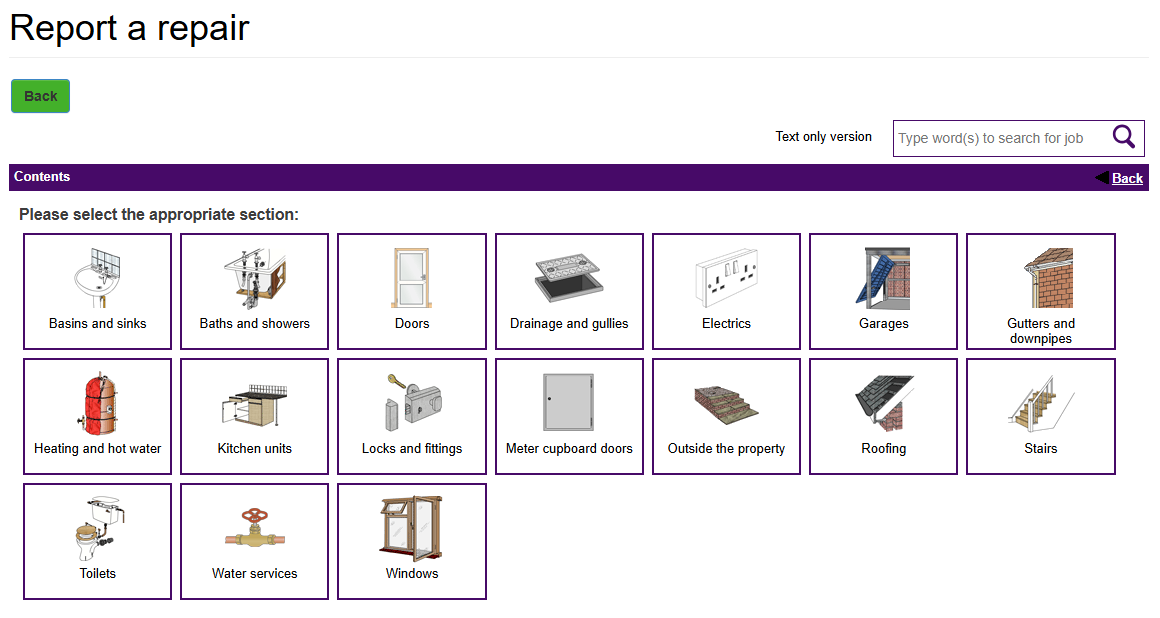
Progress through the screens to select your relevant options.
Mears will contact you directly to arrange your repair. For any updates regarding a repair once it’s been reported via the portal, you can contact Mears by calling: 0800 028 7010.