Log in to Housing Online portal
Log in to the Housing Online portal
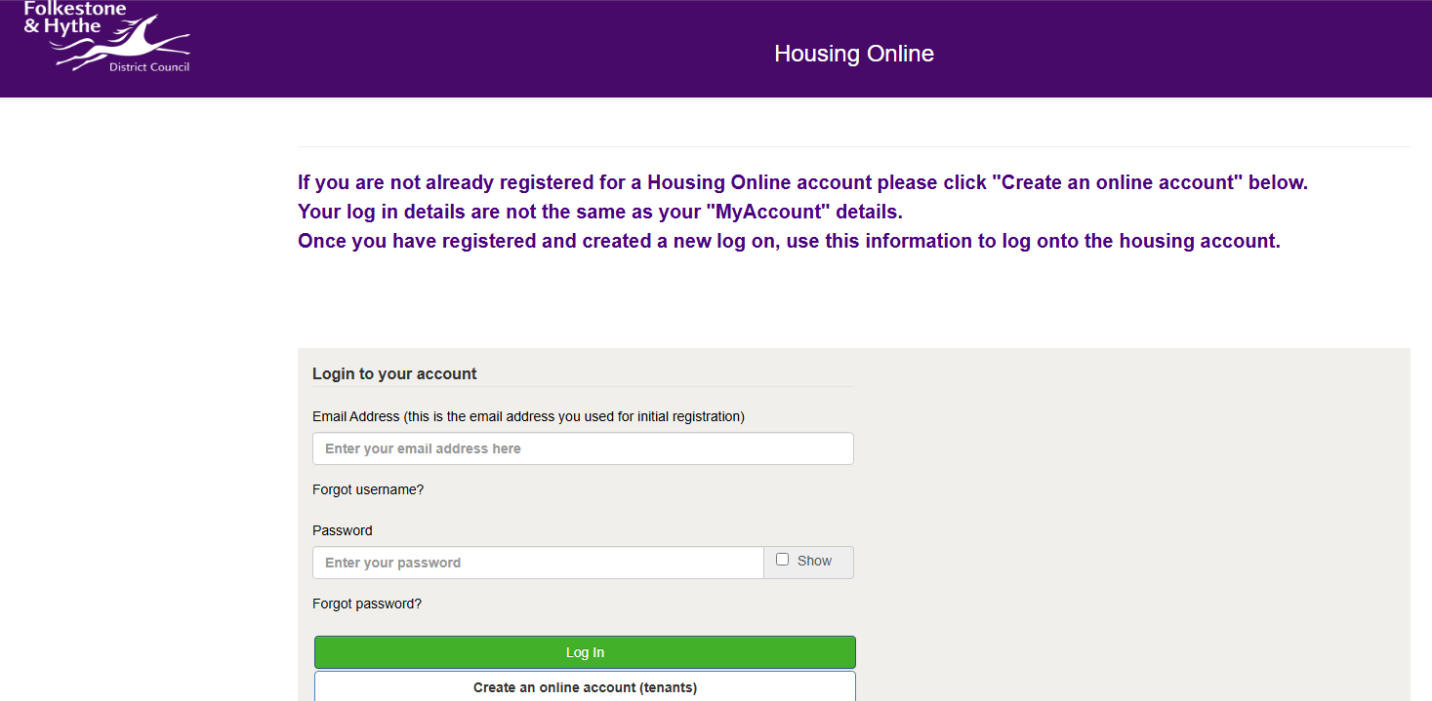
Once the login screen is displayed you can enter your email address and password and click the green 'Log In' button, to enter the Housing Online portal.
Choose a Housing Online service
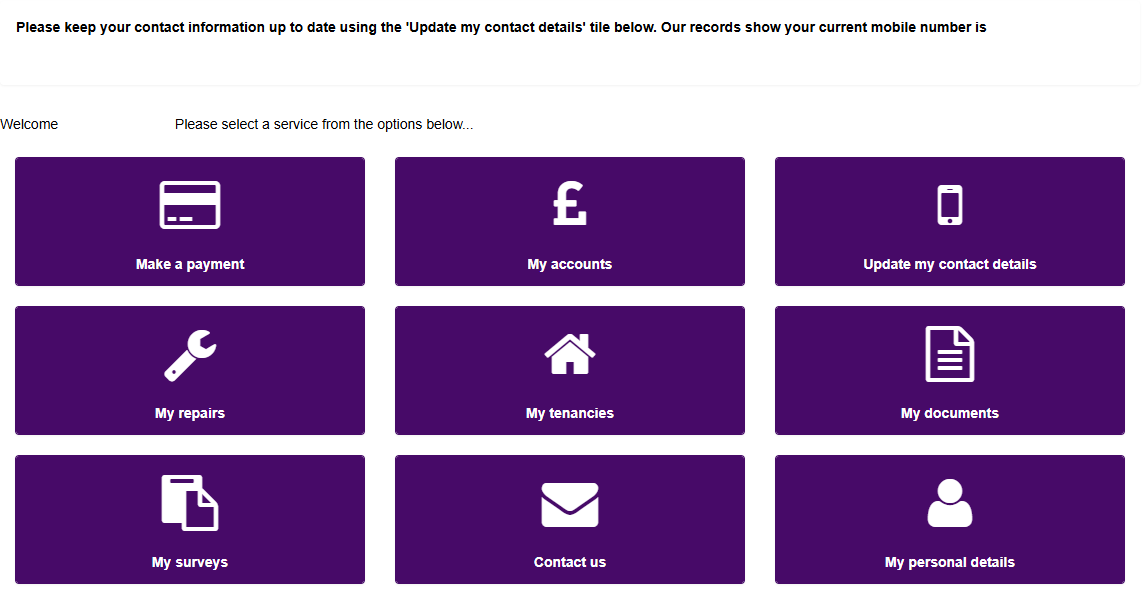
Once you have logged in to your Housing Online account, select the service you need by clicking the relevant button, as shown in the image below. For example, click Make a Payment.